Expert Veeam Support: Solutions for Backup and Disaster Recovery
Get expert Veeam support for efficient backup and disaster recovery. Resolve issues fast, optimize performance, and ensure seamless data protection with our reliable solutions.
What is Veeam?
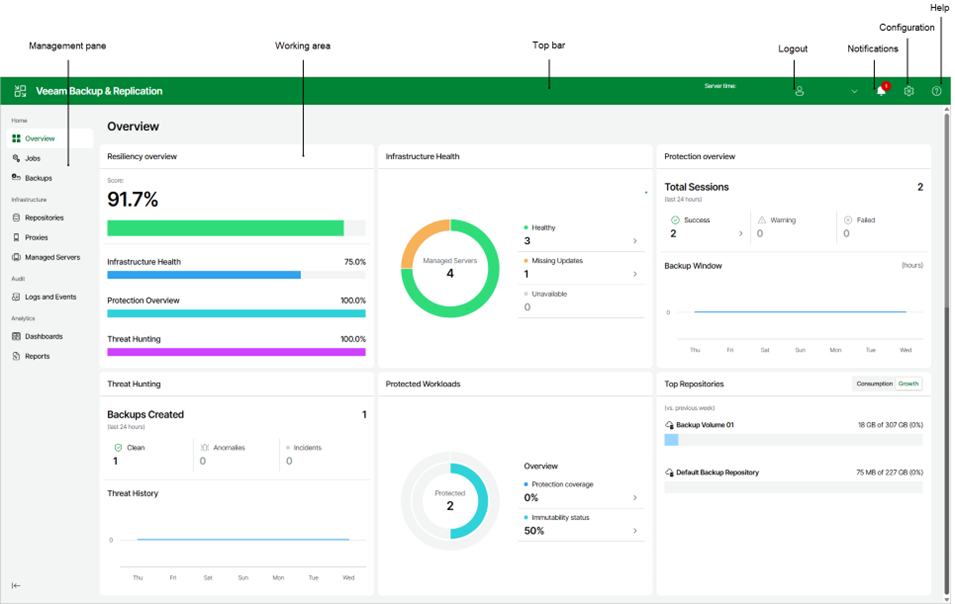
Veeam is a software company that specializes in backup, recovery, and data management solutions. Its flagship products, such as Veeam Backup and Replication, Veeam ONE, and Veeam Availability Suite, are designed to provide businesses with comprehensive data protection for their IT infrastructure. Veeam is widely recognized for its ease of use, scalability, and ability to ensure business continuity.
Key Features of Veeam
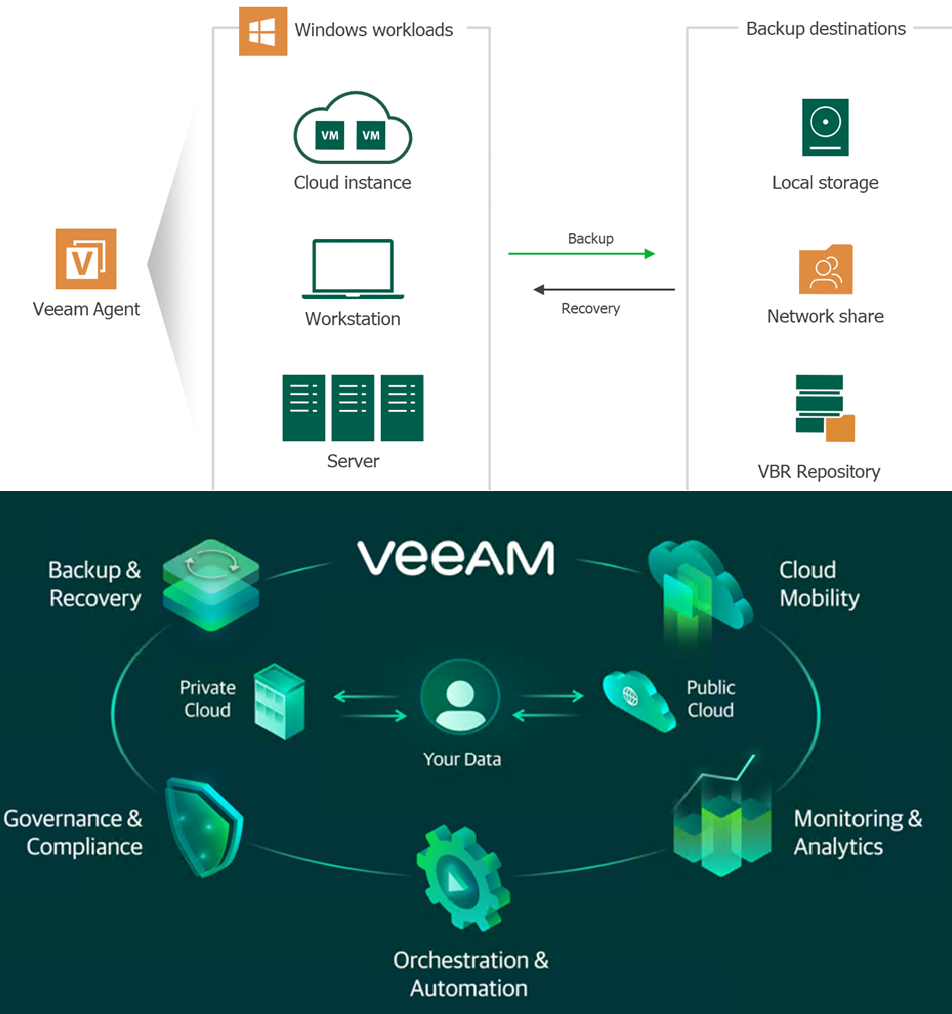
Veeam's primary goal is to help businesses ensure data availability, backups, disaster recovery, and cloud data protection for their IT infrastructure.
1. Comprehensive Data Protection: Veeam provides backup and recovery solutions for physical, virtual, and cloud environments, ensuring that all data is protected.
2. High Availability: Veeam’s solutions are built for high availability, ensuring that businesses experience minimal downtime during data recovery.
3. Instant Recovery: With Veeam, users can perform instant restores of VMs, files, or application items, minimizing downtime.
4. Replication and Disaster Recovery: Veeam offers replication services, allowing businesses to replicate data to an offsite location, ensuring recovery in case of a disaster.
5. Scalability: Veeam is designed to scale according to the needs of businesses, from small organizations to large enterprises.
6. Cloud Integration: Veeam integrates with leading cloud platforms such as AWS, Microsoft Azure, and Google Cloud for hybrid cloud solutions.
7. Data Visibility and Monitoring: Veeam ONE offers monitoring and analytics for backup and virtual environments, providing visibility into the health and performance of backup operations.
Services
Veeam provides a wide range of services to support businesses in managing and protecting their data:
1. Backup and Recovery
Veeam's primary service is backup and recovery. It allows organizations to create secure backups of their data and systems, providing fast and reliable recovery options in the event of data loss or hardware failure.
2. Disaster Recovery
Veeam provides disaster recovery solutions, ensuring that data and applications can be quickly restored after an outage, whether due to natural disasters, cyber-attacks, or hardware failure.
3. Cloud Backup and Storage
Veeam integrates with public and private clouds for seamless backup and storage solutions. Users can back up their data to the cloud, replicate workloads, and easily restore systems from the cloud.
4. Backup for Virtual Environments
Veeam offers specialized services for virtualized environments, such as VMware and Hyper-V. Its backup solutions are optimized for virtualized infrastructures, ensuring that VMs (virtual machines) are protected and can be quickly restored.
5. Data Archiving
Veeam also offers data archiving services, enabling organizations to store inactive data securely. This service helps optimize storage costs by moving older data to more cost-effective storage solutions while still ensuring accessibility.
6. Monitoring and Reporting
Veeam provides advanced monitoring tools to track the health of your backup environment, ensuring data integrity and preventing failures. It also provides detailed reports to help you maintain compliance with industry regulations.
How to Get Support with Veeam?
Veeam offers several avenues for support, whether you need help with product issues, configuration, or troubleshooting. While Veeam doesn't offer direct customer service over the phone, users can get support through:
1. Knowledge Base:
Veeam's Knowledge Base is an excellent first resource, offering troubleshooting guides, product manuals, FAQs, and detailed how-to articles.
2. Community Forums:
Veeam's community forums are a valuable space for users to ask questions, share experiences, and find solutions to common problems.
3. Online Support Portal:
Access the official Veeam Customer Support Portal to create and manage support cases, download patches, and access knowledge base articles. Use your registered account to submit technical issues with detailed logs.
4. Veeam Partner Network:
Businesses that work with a Veeam partner can get personalized assistance from certified Veeam professionals who are trained to provide expert guidance.
Call To Action
Duis aute irure dolor in reprehenderit in voluptate velit esse cillum dolore eu fugiat nulla pariatur. Excepteur sint occaecat cupidatat non proident, sunt in culpa qui officia deserunt mollit anim id est laborum.
Call To ActionHow to Use Veeam
Veeam's solutions are relatively straightforward to deploy, and businesses can choose between on-premises, hybrid, or cloud deployments depending on their needs. Here's a general guide on how to use Veeam: